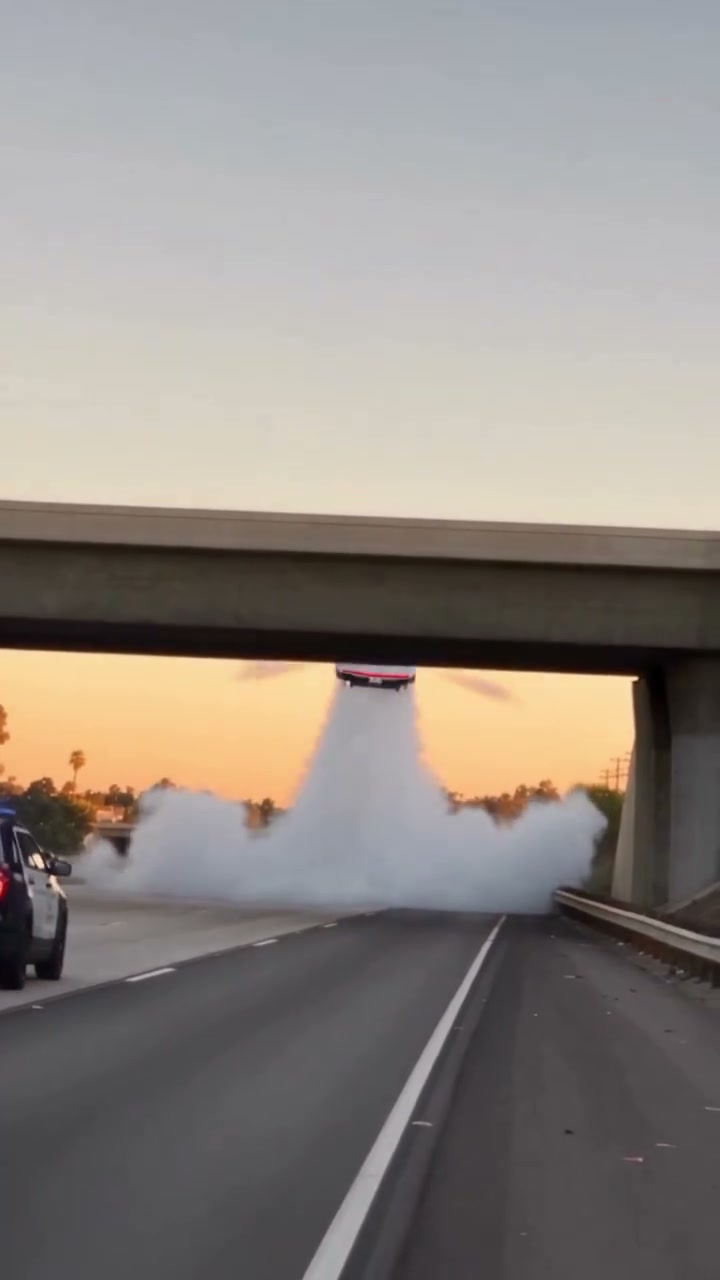
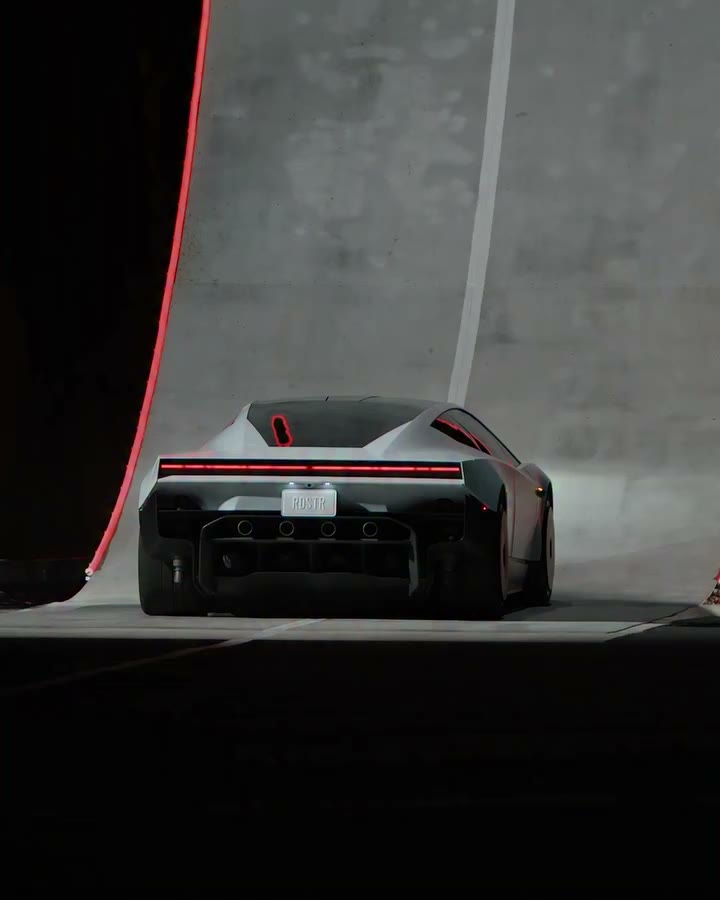
Stuck in traffic? Take the unexpected exit. Add driver and car photos to the Flying Tesla Roadster AI template and turn a city queue into an airborne escape.
Fixed reference · Your generation follows this scene using your uploaded photos.
Flying Tesla Roadster AI turns the traffic jam into the joke
Flying Tesla Roadster AI starts with an everyday frustration: a driver surrounded by city traffic. The reference cuts into the cabin, sends the main car upward through the street scene, and returns to the character. The bus, neighboring cars and buildings make the takeoff feel enormous; the reaction inside the car makes it personal. This Traffic Escape template supplies that complete sequence. You provide a person photo and a separate car photo to guide the two main subjects. Watch the vertical reference to decide whether its pacing and visual punchline fit your idea before uploading.
Make your Flying Tesla Roadster AI in three steps
01
Pick your Flying Tesla Roadster AI driver
Choose one person with a clear face, visible hair and enough upper body to establish clothing. Add that image to Driver photo. An ordinary portrait is enough as a reference; you do not need to sit in a car or reproduce the cabin reaction.
02
Add the car that leaves the queue
Place one vehicle image in Car photo. A complete three-quarter view gives Flying Tesla Roadster AI useful information about the body, wheels and color. Avoid a collage or several overlapping vehicles. The driver and car can come from different photographs and different locations.
03
Watch the takeoff and reaction
Review the selected reference and generation amount, then submit when ready. Inspect the completed Flying Tesla Roadster AI result in My creations. Check the city takeoff for a stable car shape, then check the cabin shots for a recognizable driver before downloading the version you want to share.
Flying Tesla Roadster AI community examples
See three community variations of this scene below. These supplied clips show the trend’s creative range; they are not verified results from this website. Your Flying Tesla Roadster AI uses the fixed reference shown in the generator.
Build a Flying Tesla Roadster AI story around the daily commute
The cream-outfit example opens with a calm driver and a takeaway cup, then interrupts that ordinary moment with flight. That contrast gives Flying Tesla Roadster AI a useful story without a long setup. A friend’s familiar outfit or an everyday commuter car can make the opening feel personal. The displayed clip illustrates the community trend; your version uses the fixed reference above with separate driver and vehicle photos. The cabin reaction carries the punchline after the exterior spectacle.
The phrase “Day 1 of Owning a Roadster” can work as a social caption for this kind of edit. Flying Tesla Roadster AI provides the visual sequence; any caption, meme text or voice-over is added separately after download. There is no text overlay tool here. Keeping the caption outside the generation also makes it easier to adjust the joke without generating the entire scene again.
The reference returns to the driver after the spectacle. That reaction distinguishes this Flying Tesla Roadster AI scene from a vehicle-only stunt. If your concept depends on who is behind the wheel, choose a portrait with clear facial features and clothing. If your idea is solely about the car performing a rotation, the separate Roadster AI ramp page gives the vehicle more sustained attention.
Flying Tesla Roadster AI · Cream outfitA cream outfit, coffee cup and bright city street set up the sudden launch.
Give Flying Tesla Roadster AI two clear subject references
The black-outfit clip makes the Flying Tesla Roadster AI driver easy to pick out against the light seats. Consider how the clothing in your portrait will read in a small vertical video, then choose the vehicle independently. Driver photo supplies the person’s face, hair and outfit; Car photo supplies the main car’s body, paint and wheels. Both fields are required here. You can prepare the photos in different places because the reference already provides the street, cabin and action.
For the driver, avoid heavy face filters, deep shadows or a group shot with several equally prominent people. For the car, keep the roof, bumpers and wheels inside the frame. A street photo is fine if your car is clearly separated from the background. Flying Tesla Roadster AI does not require visible thrusters or a staged jump in the input: the flight and surrounding effects come from the reference video.
The bus, nearby traffic, street furniture and city setting retain their roles. Uploading a picture from another location does not move the Flying Tesla Roadster AI story to that location. This helps preserve the scale of the takeoff, but it also means the page cannot recreate your actual commute or substitute a specific intersection. Select the template for its existing scene and use your images to personalize the main subjects.
Flying Tesla Roadster AI · Black outfitA black outfit and sunglasses change the cabin scene before the car lifts out of traffic.
Give Flying Tesla Roadster AI a memorable cabin reaction
In the pink-outfit example, Flying Tesla Roadster AI moves from a relaxed cabin shot to an airborne car and a spilled drink. The contrast between a composed opening and a messy reaction is the payoff. Use the whole sequence when deciding whether the scene fits your idea; a takeoff-only crop would lose part of that joke. Your reference lasts about thirteen seconds, with its own camera cuts and ending. The page does not extend the flight or let you change the reaction.
A vehicle photograph cannot show every surface that appears during flight. Flying Tesla Roadster AI must infer unseen angles, so the underside, reflections, wheel geometry and cabin details can vary. Compare the car before takeoff with the airborne view and check that the body remains recognizable. Small plate lettering or badges are less reliable than broad shape and color. A clean source image helps identify the subject without guaranteeing every detail.
The reference soundtrack is restored after visual generation. Flying Tesla Roadster AI does not use the portrait to clone a voice. Play the preview with sound if the audio matters to your edit, and review the completed result separately. You can add your own permitted music or narration later. Keep the fictional nature clear: this city escape is an AI entertainment scene, not evidence that the uploaded vehicle can fly.
Flying Tesla Roadster AI · Pink outfitA pink outfit stays visible across the street, launch and cabin shots.
Flying Tesla Roadster AI video packs
Pick one scene or make a collection. Pay once, create on your schedule. No subscription.
Start with one scene
First flight
1video to make yours
Give your favorite car one impossible escape.
$9.90USD · once
$9.90 per video
Choose any of the three scenes
Your driver + car, or just your car
480p video with the reference sound
Unused videos never expire
Video allowance back if generation fails
Explore all threeSave 33%
Triple take
3videos to make yours
Try a chase, a traffic escape and a ramp stunt.
$19.90USD · once
$6.63 per video
Choose any of the three scenes
Your driver + car, or just your car
480p video with the reference sound
Unused videos never expire
Video allowance back if generation fails
Lowest cost per videoSave 40%
Creator pack
5videos to make yours
Make room for different cars, drivers and new takes.
$29.90USD · once
$5.98 per video
Choose any of the three scenes
Your driver + car, or just your car
480p video with the reference sound
Unused videos never expire
Video allowance back if generation fails
Generation and checkout open soon. One completed generation uses one video. Watching previews uses none.
Flying Tesla Roadster AI FAQ
What is Flying Tesla Roadster AI on this page?
It is a fixed traffic-escape video template that recreates the main driver and car from two photos. The original reference supplies the city, traffic, upward movement, camera cuts and cabin reaction. It is intended for fictional short edits with an immediately recognizable flying-car punchline.
How many images does Flying Tesla Roadster AI use?
Flying Tesla Roadster AI uses two: one driver photo and one car photo. Put them in the matching fields rather than combining them into a collage. The driver reference guides the person, and the car reference guides the vehicle. A single image of either subject does not complete this page’s required input.
Can Flying Tesla Roadster AI feature my everyday car?
Yes. Your uploaded image can show a different car from the sports car in the reference. Keep the full vehicle visible. Very different proportions can be harder to maintain during the takeoff, so inspect the resulting shape and motion before choosing a version to share.
Is this the Day 1 of Owning a Roadster idea?
The traffic-jam escape fits that meme setup: an ordinary driving problem gets an impossible airborne solution. Flying Tesla Roadster AI creates the scene shown above. Add your own caption in a separate editor or social post; the generator does not write or place meme text on the video.
Can I change the street in Flying Tesla Roadster AI?
Flying Tesla Roadster AI keeps its city setting and surrounding traffic. The uploaded background is not a location instruction. There is no road, weather, camera or traffic selector. Watch the reference before uploading, or visit one of the related pages if you prefer the police pursuit or ramp scene.
Does Flying Tesla Roadster AI require a prompt?
No. The reference and scene instructions are already prepared. You supply the two subject photos, review the settings and submit. The page does not accept a custom motion video or free-form scene description, which keeps the input focused on the person and car.
How long is the Flying Tesla Roadster AI result?
The Flying Tesla Roadster AI reference is approximately thirteen seconds. It uses a vertical frame, and this template offers 480p output. The sequence is fixed rather than stretched to a selected duration. Watch both the takeoff and the return to the driver when reviewing your finished clip.
Does Flying Tesla Roadster AI keep the source sound?
The workflow restores the reference soundtrack after creating the replacement visuals. The portrait does not request a new voice. Previews begin muted; click to hear the audio. There is no built-in soundtrack picker, so add different permitted audio afterward if your concept needs it.
Will Flying Tesla Roadster AI keep every photo detail?
Exact reproduction is not guaranteed. Faces, hands, windows, badges and plate text can change, especially during fast movement or partial occlusion. Judge the overall recognizable driver and vehicle across the full sequence. If a particular logo or detail is essential, check it closely in the generated result.
How do I share a Flying Tesla Roadster AI edit?
Review and download the completed video from My creations. Use photographs you have permission to edit and check the rights needed for any soundtrack. Label the scene as an AI creation when context could be unclear. Flying Car AI is independent and is not affiliated with Tesla.
Give the queue an unexpected ending with Flying Tesla Roadster AI. Choose a recognizable driver and car, watch the city takeoff, and prepare both photos for your version.