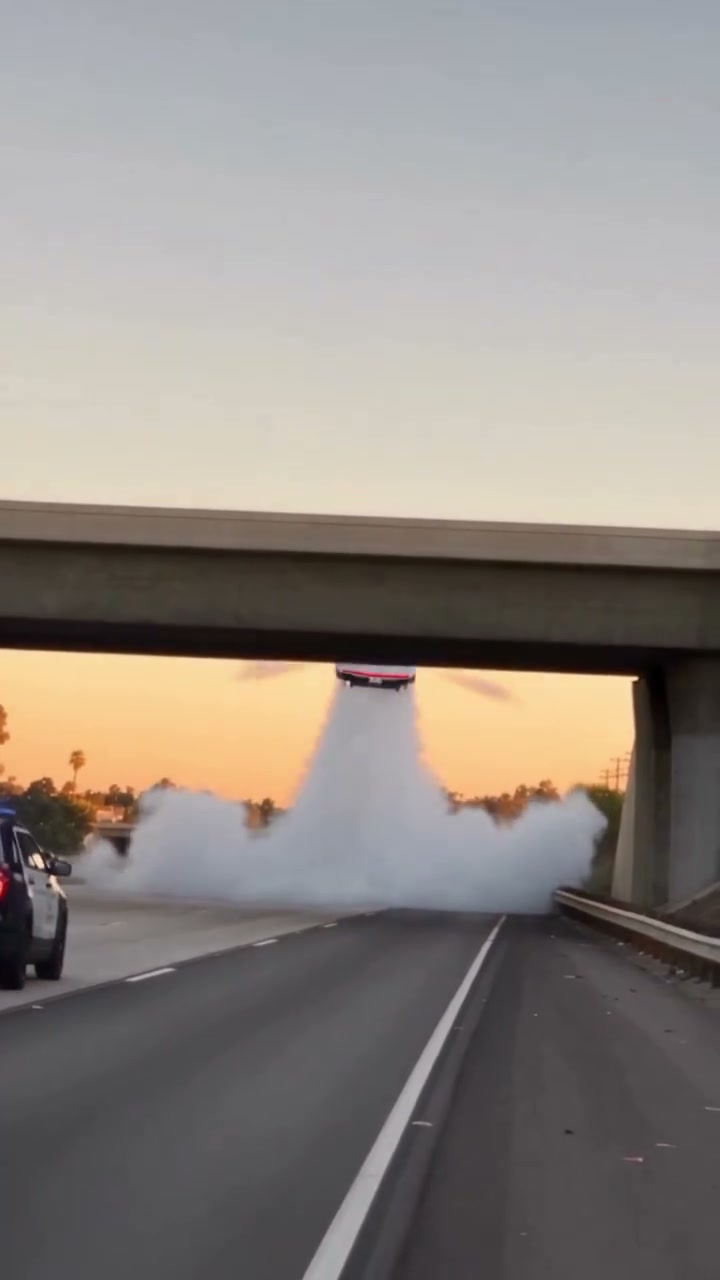
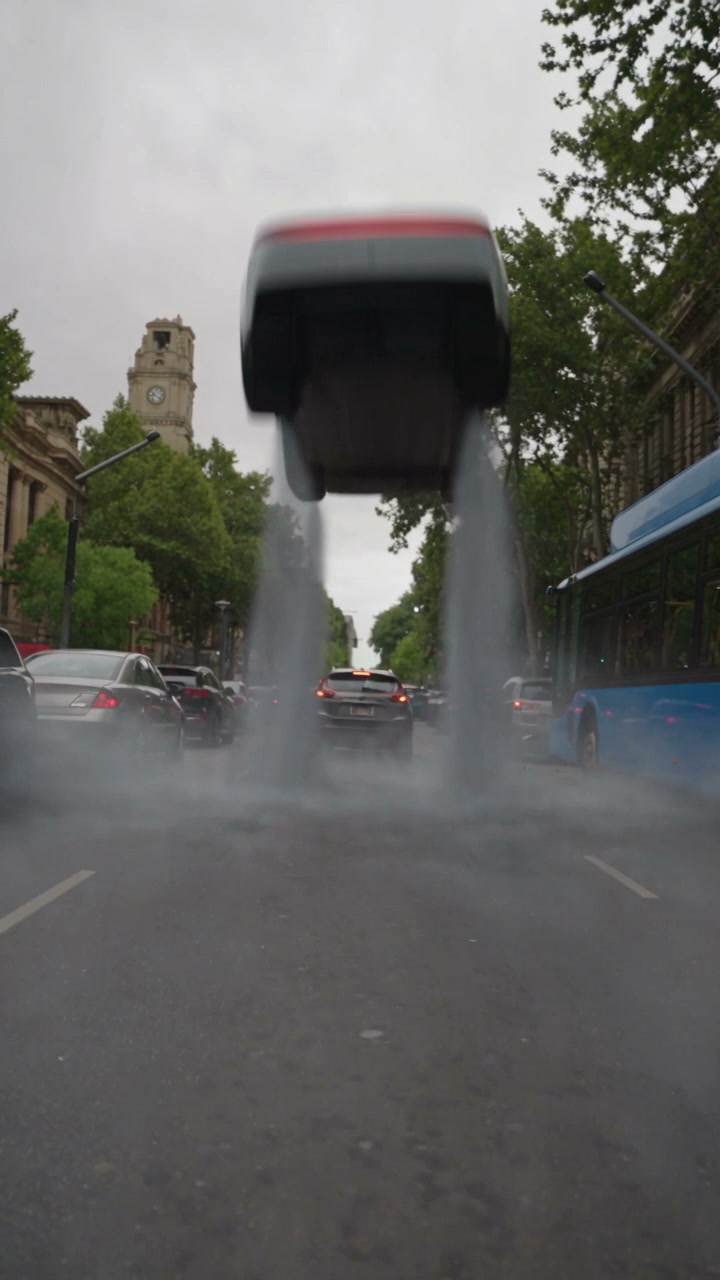
Turn a photo of your parked car into a Roadster AI arena stunt. Follow it up the illuminated ramp, through the airborne turn and back onto the ground with the reference sound.
Fixed reference · Your generation follows this scene using your uploaded photos.
Roadster AI puts your car at the center of the stunt
Roadster AI follows the Ramp Stunt reference shown above. A vehicle approaches a curved ramp, climbs the wall, rotates into the air and returns through a vapor-covered landing. The dark setting and illuminated structure frame the complete maneuver. One car photo supplies the replacement vehicle, while the reference provides the driving path, camera sequence and scene effects. There is no driver portrait to prepare. Choose this page when the body, paint and silhouette of your car should carry the entire edit, from the first approach to the final landing.
Make your Roadster AI in three steps
01
Choose a car for Roadster AI
Upload one sharp photo of one complete vehicle. A three-quarter view can show the front or rear together with the side. Keep the roof, bumpers and wheels inside the image. Roadster AI needs a car reference here; a person portrait or a group of vehicles leaves the intended subject unclear.
02
Preview the full Roadster AI ramp sequence
Watch the climb, rotation and landing before generating. Check the available settings and the amount shown on Generate. The scene is fixed, so there is no prompt to write or driving route to draw. Selecting a local photo alone does not start a generation.
03
Review your car through every angle
Open the completed Roadster AI result in My creations. Look at the wheels during the climb, the body in the airborne rotation and the silhouette after landing. Download your chosen version and check the restored reference soundtrack before sharing.
Roadster AI community examples
See three community variations of this scene below. These supplied clips show the trend’s creative range; they are not verified results from this website. Your Roadster AI uses the fixed reference shown in the generator.
Give Roadster AI a vehicle with a readable silhouette
The silver hatchback gives Roadster AI an everyday-car premise: a compact, upright vehicle meets a ramp far larger than anything in an ordinary drive. Its short body reads differently from the low sports car in the fixed reference. That is a useful direction for a playful owner reveal or a car-club post. Upload a complete view of your own vehicle to establish the silhouette, then let the selected reference supply the arena, motion and lighting.
Show enough of the vehicle for Roadster AI to read its proportions, roofline, doors and wheel positions. A clear three-quarter angle is useful because it exposes two sides without hiding the length of the body. Avoid motion blur, extreme shadows or another vehicle blocking the subject. You do not need a ramp, smoke or glowing effects in the photograph; those elements already belong to the motion reference.
One image cannot describe the entire underside or every hidden surface. Roadster AI must infer those parts as the car rotates. A close visual match is an aim rather than a guarantee, especially for unusual proportions, complicated accessories or very fine trim. Choose the source for the broad characteristics you want viewers to recognize, then inspect the moving result for the details that matter most.
Roadster AI · Silver hatchbackA compact hatchback climbs the curved ramp before returning through smoke.
Use Roadster AI for paint, wheels and vehicle-focused ideas
The decorated sedan brings a different Roadster AI idea into view: recognizable styling carried through a moving stunt. Bright paint areas can stay readable against the dark arena even when fine lettering becomes difficult to see. If your concept centers on a wrap or wheel design, choose a photo that shows those features clearly. This community example is a silent, longer edit; your generation still follows the fixed reference above and restores that reference’s soundtrack.
The Roadster AI sequence offers several moments to compare the replacement car: approaching the ramp, climbing its curved face, turning in the air and emerging after the landing. That makes it useful for a fictional reveal or a playful car-enthusiast post. It cannot demonstrate suspension performance, real acceleration or whether a body kit would survive a stunt. Keep the presentation clearly framed as an AI-created concept.
You can make separate Roadster AI versions for different vehicles and compare their appearances afterward. Each submission is its own generation; a collage does not create a batch or a side-by-side result. Prepare a comparison montage in another editor if that is your goal. For an edit where a person’s reaction matters, the related traffic-escape and police-chase pages accept both driver and car photos.
No audio in this clip
Roadster AI · Custom liveryA decorated sedan adds bold paintwork to the ramp stunt. This community clip is silent and includes a longer sequence.
Take a bigger vehicle into the Roadster AI arena
The green pickup brings roof-mounted equipment and a taller body into the Roadster AI scene. Those extra features give viewers more to recognize and more details to check while the vehicle turns. The supplied clip includes source overlays and a longer replay, so its length does not represent your output duration. Your generation follows the roughly seventeen-second, 4:5 reference shown in the workspace. Choose this template for the full ramp maneuver rather than expecting the community edit’s additional shots.
Roadster AI restores the original reference soundtrack after generating the replacement visuals. The preview starts muted; click the video to hear its audio before choosing this scene. Your car photo does not request a new engine sound or voice. Review the completed result separately to check both picture and sound. You can add different permitted music or narration after downloading; this page has no soundtrack library or voice-over editor.
Inspect the wheels and mirrors during rotation, the roofline while the car is inverted, and the body after it passes through vapor. Roadster AI can lose or reinterpret fine detail during occlusion and fast movement. A convincing approach shot does not guarantee a consistent landing. Review the whole clip at your intended publishing size, and keep only a version whose overall motion and appearance work for your concept.
Roadster AI · Green pickupA green pickup with roof gear gives the stunt a heavier silhouette. This longer community edit retains its source overlays.
Roadster AI video packs
Pick one scene or make a collection. Pay once, create on your schedule. No subscription.
Start with one scene
First flight
1video to make yours
Give your favorite car one impossible escape.
$9.90USD · once
$9.90 per video
Choose any of the three scenes
Your driver + car, or just your car
480p video with the reference sound
Unused videos never expire
Video allowance back if generation fails
Explore all threeSave 33%
Triple take
3videos to make yours
Try a chase, a traffic escape and a ramp stunt.
$19.90USD · once
$6.63 per video
Choose any of the three scenes
Your driver + car, or just your car
480p video with the reference sound
Unused videos never expire
Video allowance back if generation fails
Lowest cost per videoSave 40%
Creator pack
5videos to make yours
Make room for different cars, drivers and new takes.
$29.90USD · once
$5.98 per video
Choose any of the three scenes
Your driver + car, or just your car
480p video with the reference sound
Unused videos never expire
Video allowance back if generation fails
Generation and checkout open soon. One completed generation uses one video. Watching previews uses none.
Roadster AI FAQ
What do I upload to Roadster AI?
Upload one car photo in the Car photo field. It guides the replacement vehicle’s body, paint, wheels and visible details. The fixed reference supplies the stunt. This page does not need a driver portrait, and a person image is not submitted as an extra subject for the ramp sequence.
Does Roadster AI require a Tesla Roadster?
No. The uploaded vehicle is the replacement reference, so you can choose another car. Differences in size and proportions can affect how consistently the movement is recreated. Show one complete vehicle and review the finished result rather than assuming that every body style will animate equally well.
Which photo angle should I use for Roadster AI?
Photograph the vehicle diagonally so one end and a side are both visible. Leave space around the bumpers and include every wheel visible from that angle. For Roadster AI, choose the frame where the body shape is easiest to understand, without heavy blur, distorted perspective or another car blocking it.
Can Roadster AI preserve my custom paint and wheels?
The source photo guides those characteristics, but exact detail is not guaranteed. Broad color and silhouette may remain clearer than wheel spokes, small decals or badges during fast rotation. Watch the car throughout the climb and landing, especially if a specific styling detail is central to your idea.
Can I choose a different Roadster AI ramp?
This page follows the one curved-ramp scene shown in the preview. The ramp, camera sequence, lighting, smoke and driving path come from that reference. There is no environment or maneuver selector. Visit the related escape pages if you want a city takeoff or a police pursuit instead.
How long is this Roadster AI video?
The reference lasts about seventeen seconds and the result follows its vertical sequence, with 480p output for this template. This page has no independent duration selector. Other Roadster videos may have different references, edits or replay lengths; their timing does not change the template used here.
Does Roadster AI keep the reference sound?
Yes. The workflow generates replacement visuals without new model audio, then restores the soundtrack from the original ramp reference. Previews start muted for browsing; click to enable sound. Review the finished video to check its audio as well as the car’s motion. You can add a different permitted soundtrack later in your editor.
Do I need to write a Roadster AI prompt?
No. The scene reference and replacement instructions are prepared. Choose your vehicle photo and review the settings before submitting. The page does not accept a custom motion clip or free-form stunt description. A source photograph with smoke or a ramp is unnecessary because the reference supplies the action.
Where can I review my Roadster AI result?
Completed videos from this page appear in My creations. Check the whole maneuver before downloading, including moments when the vehicle is partly obscured. Keep track of the current task while it processes; a deliberate new submission creates another attempt rather than speeding up the existing one.
Can I share a Roadster AI stunt?
Use a vehicle photo you own or have permission to edit, and check the permissions for any audio you add. Present the clip as AI entertainment rather than proof of vehicle capabilities. Flying Car AI is independent and is not affiliated with Tesla; the page does not imply sponsorship or endorsement.
Choose the vehicle that deserves an impossible entrance. Add one clear car photo to Roadster AI, review the full ramp sequence, and make the stunt your own.